
I want to change my email address
You can change your registered email address anytime from Account settings on My page.
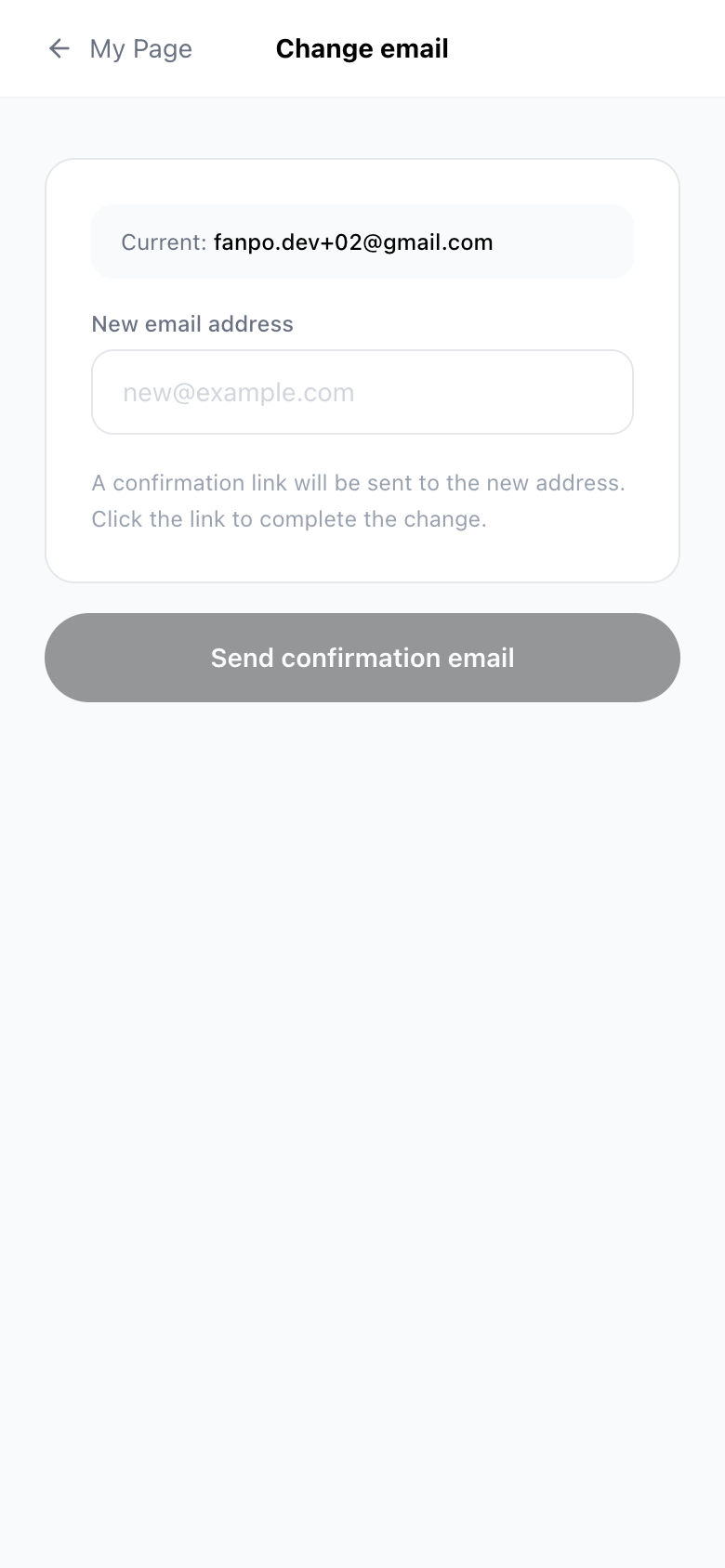
- Open My page → Account settings → Change email address
- Enter your new email address
- Open the link in the confirmation email sent to the new address to complete the change
The change is not complete until you open the link in the confirmation email. You may be asked to log in again for security.