
I forgot my password
If you forgot your password, you can reset it by sending a reset email from the login screen.
Reset steps
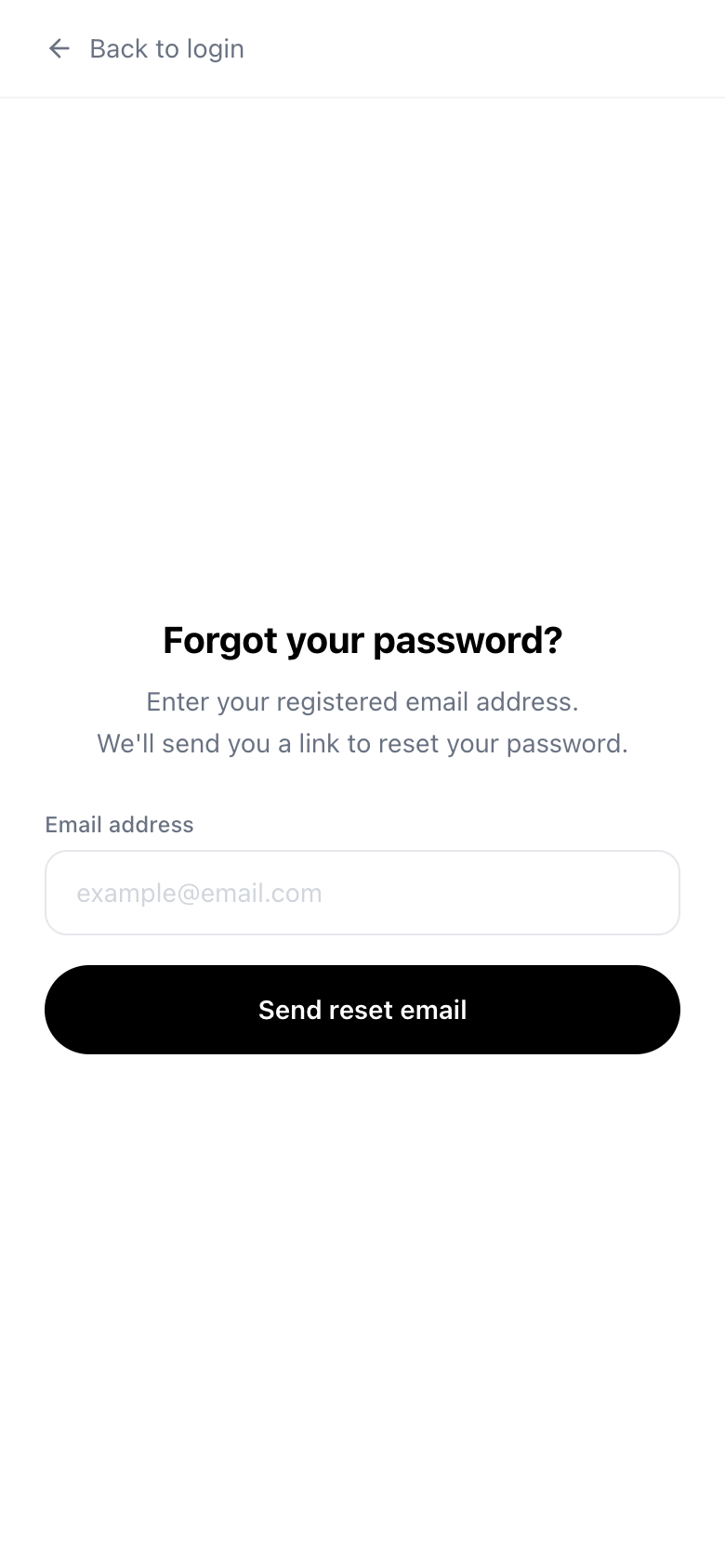
- Open the login screen and choose "Forgot password?"
- Enter your registered email address and send the reset email
- Open the link in the email you receive and set a new password
If the email does not arrive, please check your spam folder. If you are unsure which email you registered, please contact us.